What To Do When Your Vape Battery Won’t Charge
ในโลกแห่งการสูบไอตลอดเวลา, การประสบปัญหากับแบตเตอรี่ vape ของคุณอาจทำให้หงุดหงิดได้. แบตเตอรี่ที่ไม่ชาร์จสามารถทำลายประสบการณ์การสูบไอทั้งหมดของคุณได้, นำไปสู่คำถามที่ยังไม่มีคำตอบและอาจสูญเสียการลงทุน. โชคดี, ไม่จำเป็นต้องตื่นตระหนก. ในคู่มือนี้, เราจะสำรวจขั้นตอนการปฏิบัติเพื่อวินิจฉัยและแก้ไขปัญหาการชาร์จแบตเตอรี่ vape ของคุณ, รับรองว่าคุณจะได้กลับมาเพลิดเพลินกับ e-liquid ที่คุณชื่นชอบอีกครั้ง.
Understanding Vape Battery Basics
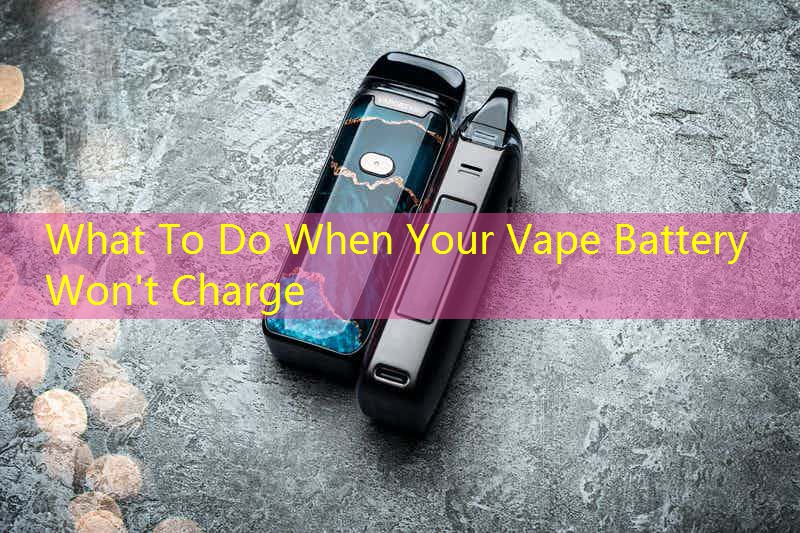
Before we dive into troubleshooting, it’s essential to understand your
แบตเตอรี่ vape
and how it functions. ปากกา Vape ส่วนใหญ่ใช้แบตเตอรี่ลิเธียมไอออน, เป็นที่รู้จักในด้านอายุการใช้งานที่ยาวนานและรอบการชาร์จที่มีประสิทธิภาพ. Familiarizing yourself with your device’s specifications can be a great first step in identifying charging issues.
Common Reasons Your Vape Battery Won’t Charge
There are several reasons why your
แบตเตอรี่ vape
might not be charging as expected:
| Possible Issue | คำอธิบาย |
|---|---|
| Faulty Charger | Your charger may be defective or damaged. |
| Dirty Connections | Contacts on the battery or charger may be dirty or corroded. |
| Battery Age | Old batteries naturally lose their ability to hold a charge. |
| Over-Discharge | The battery might be completely drained, preventing it from charging. |
ขั้นตอนการแก้ไขปัญหา
When faced with a
non-charging vape battery
, follow these troubleshooting steps:
1. Check Your Charger
Start by inspecting the charger for damage. If possible, test it with a different device to verify that it functions correctly. Always opt for the charger that came with your vape to avoid compatibility issues.
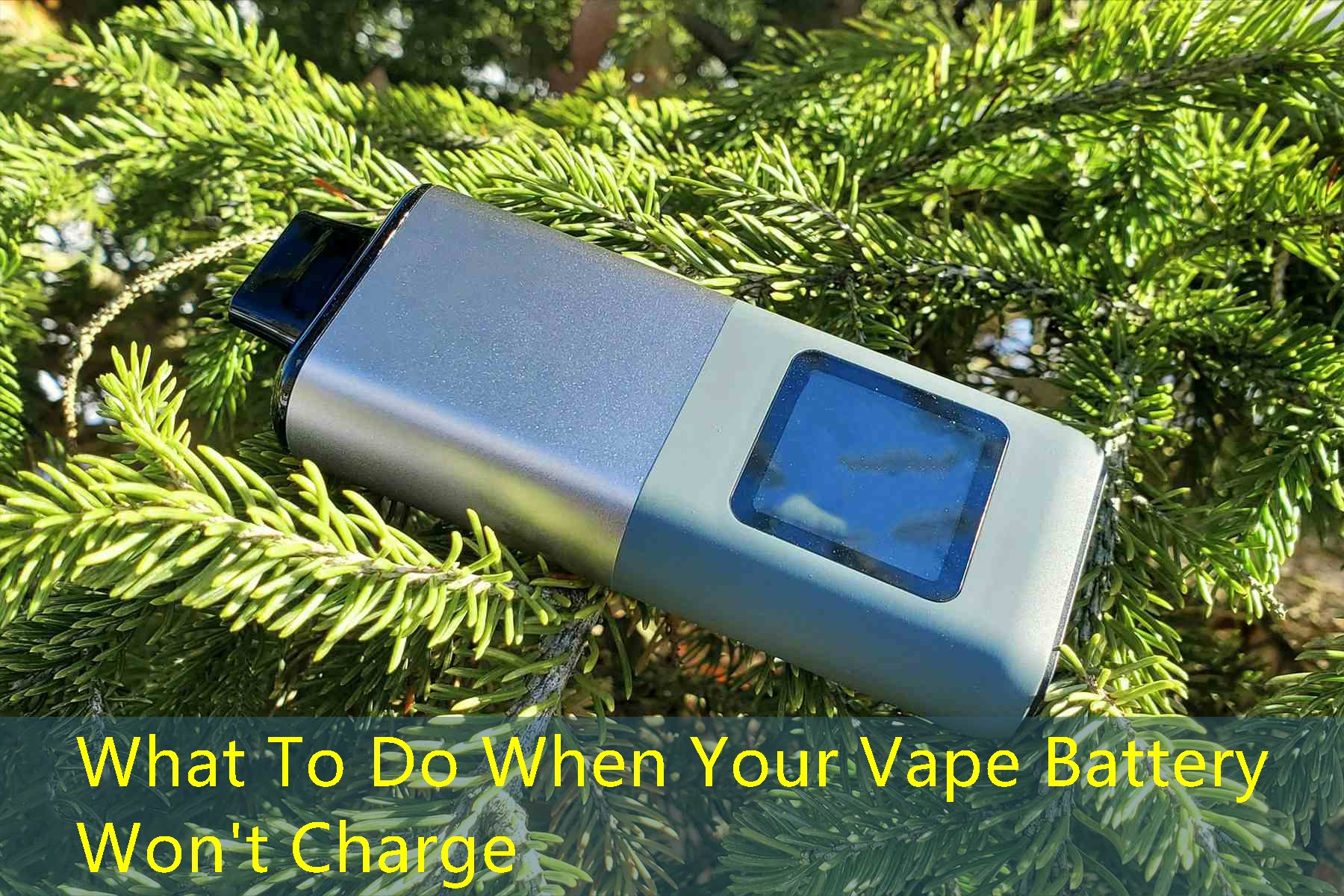
2. Clean Connections
Next, examine the connections between the charger and battery. Use a cotton swab lightly dampened with isopropyl alcohol to clean the contact points. Ensure there’s no debris or corrosion that may hinder the charging process.
3. Assess Battery Age
If your battery is old, it may be time to consider a replacement. Most vape batteries will last between 300 ถึง 500 charge cycles before their performance diminishes. Keep track of how long you’ve used your battery for optimal investing.
4. Revive a Fully Discharged Battery
If your vape battery has been left unused for an extended period, it may have undergone over-discharge. In this scenario, connect the charger and let it sit for a few minutes before attempting to turn it on. บางครั้ง, batteries need a little time to recover.
When to Replace Your Battery
If you’ve tried all the troubleshooting methods and your
แบตเตอรี่ vape
still won’t charge, อาจถึงเวลาที่ต้องเปลี่ยนใหม่. Signs that indicate a battery needs to be replaced include:
- Battery overheats during charging.
- Physical damage to the battery casing.
- Rapidly depletes battery life.
เช่น, a user named Sarah reported consistently needing to charge her battery multiple times a day, leading her to purchase a new one. After replacing the battery, she noticed a significant increase in performance and lifespan.
บทสรุป
Addressing issues with a non-charging
แบตเตอรี่ vape
can be straightforward. By systematically troubleshooting and understanding some key factors, you can often resolve the problem without further assistance. Whether it requires a quick clean-up or a total replacement, following these steps will help you get back to your vaping rituals without the hassle.