1
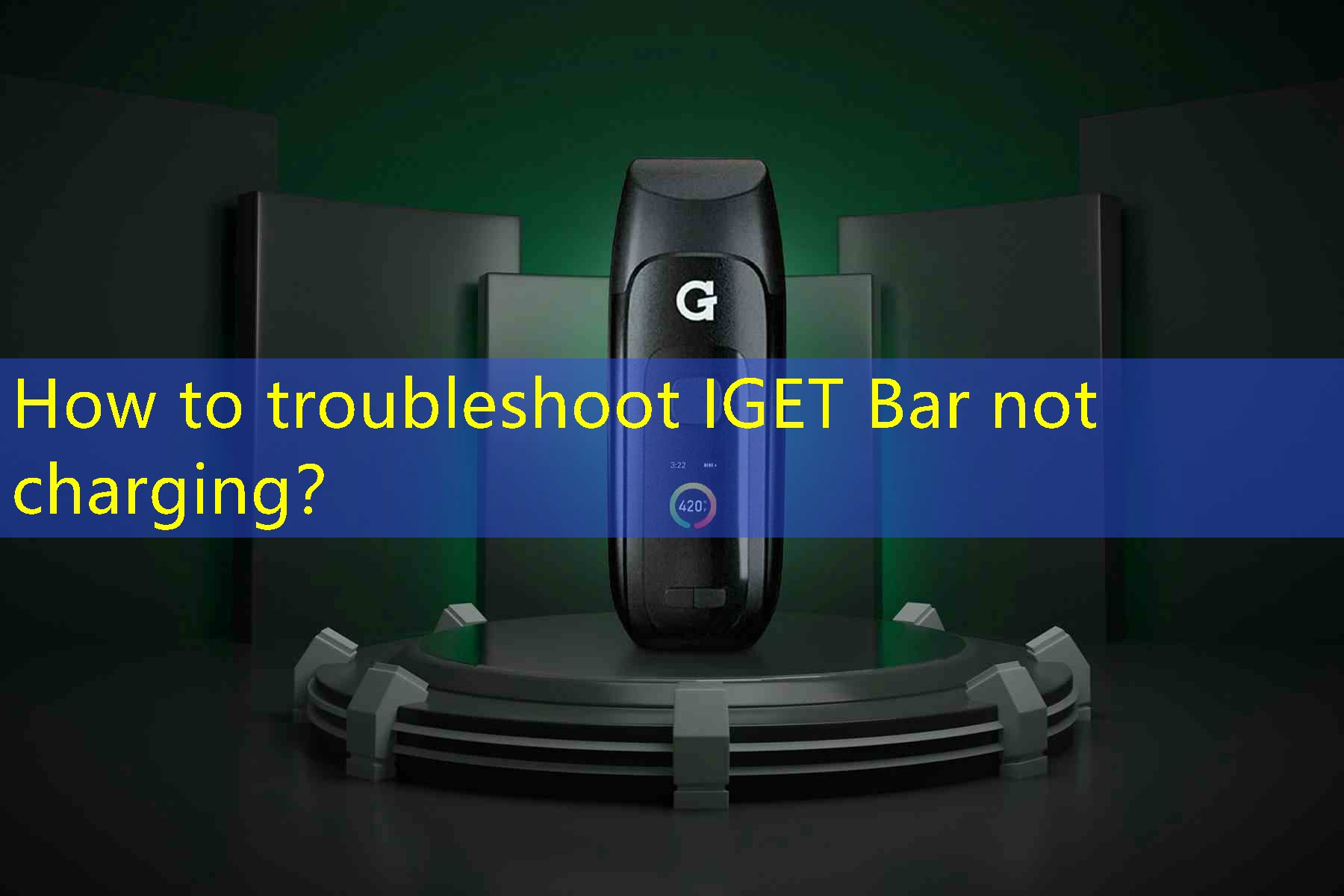
IGET Bar đã trở thành lựa chọn phổ biến của nhiều người đam mê vaping, nhờ thiết kế đẹp mắt và dễ sử dụng. Tuy nhiên, giống như bất kỳ thiết bị điện tử nào, nó có thể gặp phải vấn đề, một trong những lỗi phổ biến nhất là không sạc được. Nếu bạn thấy mình rơi vào tình huống Thanh IGET của bạn không sạc, không hoảng loạn! Trong bài viết này, chúng tôi sẽ đi sâu vào các bước khắc phục sự cố để giúp bạn xác định sự cố và cung cấp giải pháp để thiết bị của bạn hoạt động trở lại.
2
Bước đầu tiên trong việc khắc phục sự cố Thanh IGET không sạc là kiểm tra nguồn điện. Thường, vấn đề không nằm ở bản thân thiết bị mà nằm ở nguồn điện. Make sure that you are using a working outlet and that it is supplying power. Try plugging in another device to confirm if the outlet is functioning properly. If you are using a USB charger, switch to a different USB port or wall adapter to see if that resolves the issue.
3
Next, it is crucial to inspect the charging cable. A damaged or faulty charging cable can prevent your IGET Bar from charging effectively. Look for any visible signs of wear and tear, such as fraying or cuts, and test the cable with another device to check if it charges properly. If the cable appears to be the problem, replacing it with a new, compatible charging cable is advisable.
4
Another important factor to consider is the charging port of the IGET Bar itself. Bụi, lint, or other debris can accumulate in the charging port over time, hindering the connection between the charger and the device. Carefully inspect the port and use a small, soft brush or compressed air to clean it out, making sure not to damage any internal components. Ngoài ra, check for any signs of corrosion which may require further attention.
5
If the above steps don’t resolve the issue, consider the battery health of your IGET Bar. Like all rechargeable devices, the battery can degrade over time and may need replacement. Check if the device is still under warranty; some manufacturers offer battery replacement services. If your IGET Bar has been used extensively, you may need to invest in a new device if the battery is no longer functional.
6
Software issues can also affect the charging of your IGET Bar. While electronic vaping devices tend to use simple software, there may still be instances where a bug or glitch impacts its functionality. Performing a reset or following the manufacturer’s guidelines for troubleshooting software can sometimes resolve these issues. Refer to your device manual for specific steps on how to reset the IGET Bar.
7
If your IGET Bar still doesn’t charge after trying all these steps, consider seeking professional help. Thỉnh thoảng, a more complex issue with the internal circuitry of the device can hinder charging. Take your device to a qualified technician or contact the manufacturer for advice or repair services.
8
Tóm lại, resolving the charging issue of your IGET Bar involves checking the power source, inspecting the charging cable, cleaning the charging port, and examining the device’s battery health. By following the troubleshooting steps outlined above, you can pinpoint the issue and take appropriate action and hopefully restore your device’s functionality.
9
What are the common reasons for the IGET Bar not charging?
The common reasons include a faulty power source, a damaged or incompatible charging cable, debris in the charging port, poor battery health, and potential software glitches. Each of these factors can significantly impact the ability of your IGET Bar to charge effectively, and systemically checking each can help narrow down the issue.
10
How can I test if the charging cable is the problem?
To test if the charging cable is the problem, try using it with another device that requires charging. If the secondary device charges without issue, then the cable may not be the problem. Ngược lại, if neither device charges, the cable is likely faulty, and you should consider replacing it or using a different cable to charge your IGET Bar.
11
What should I do if none of the troubleshooting steps work?
If none of the troubleshooting steps work, it may be time to consider professional assistance. Take your IGET Bar to a certified technician or contact the manufacturer for support. They can provide insights into any potential internal issues or offer guidance on warranty options or repairs. In the worst-case scenario, if the device is no longer functional and not under warranty, it may be necessary to invest in a new IGET Bar.